
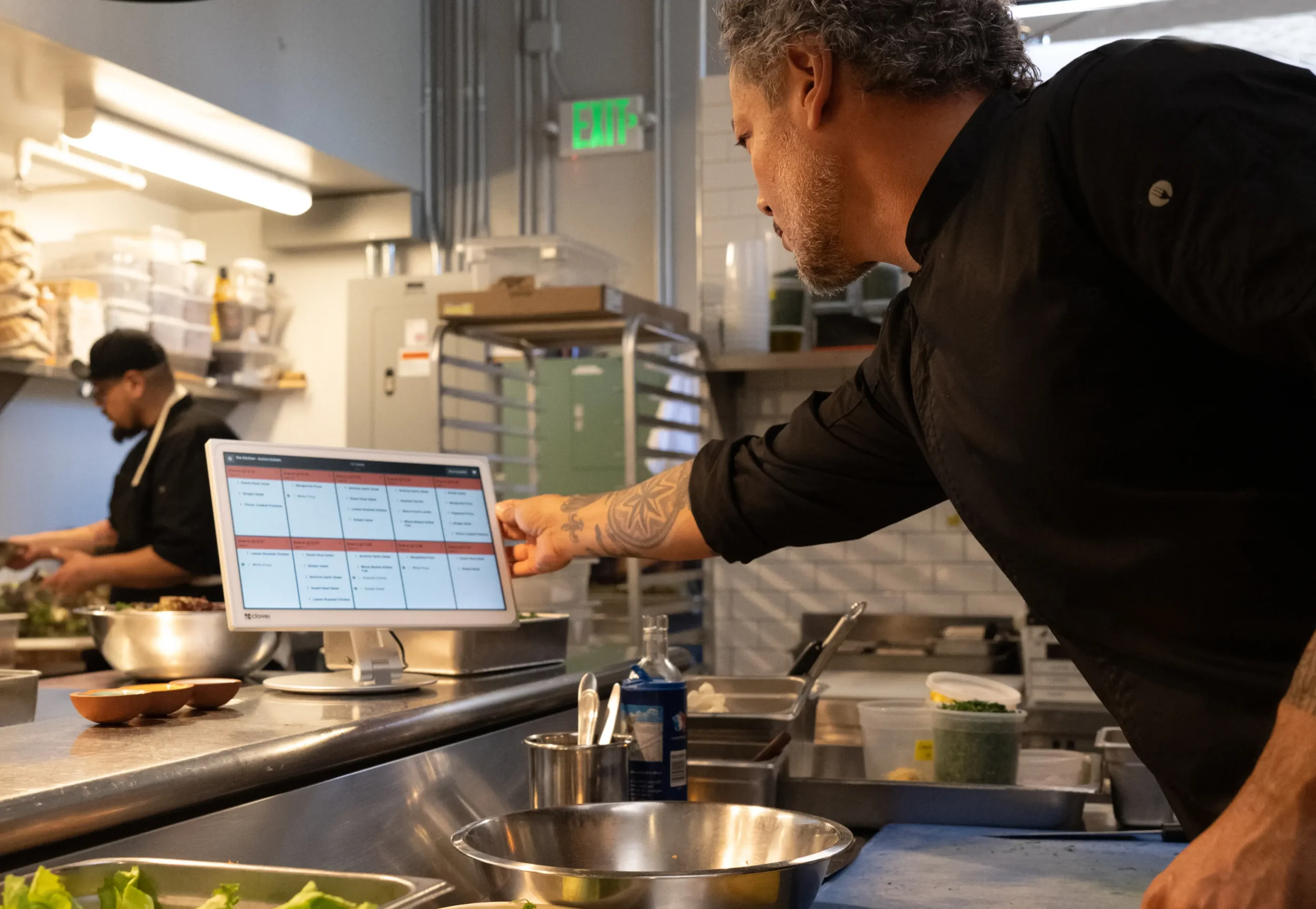
Clover Kitchen Display System
Built to make orders make sense.
One screen. One source of truth. No pens, no printers, no lost tickets. Just a real-time look at ticket times, order statuses, and everything else that keeps service moving smoothly.
Make orders make sense
Bridge the gap between your front and back of house so you never get thrown off by order volume swings again.
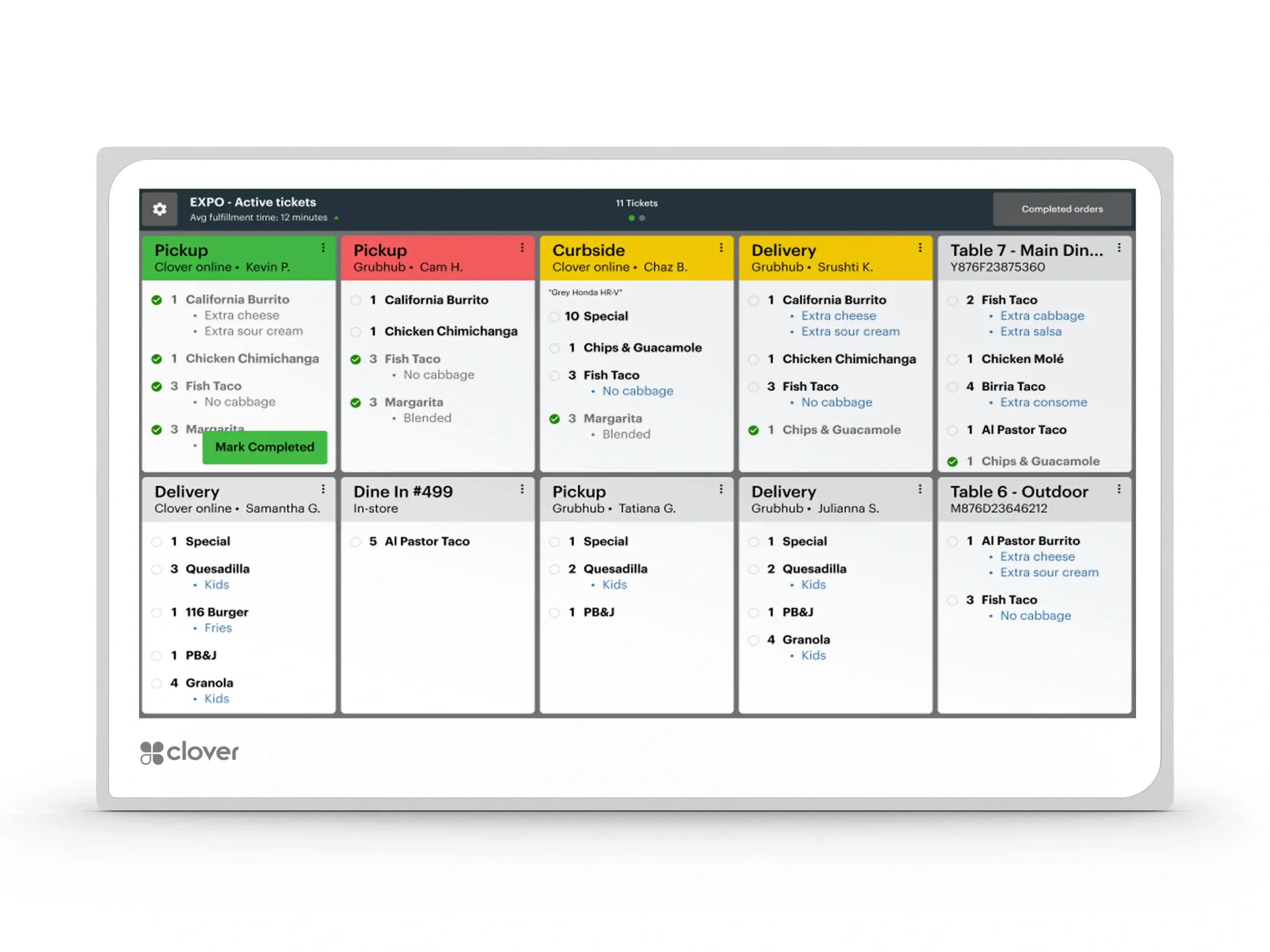
Consolidate your order channels and put all on-premise orders and off-premise third party orders in one place.
Do away with paper ticket clutter in the kitchen. Place an order on any device in the restaurant, and it will fire straight to the KDS.
Print Runner tickets on any network-connected printer directly from the KDS.
Built for restaurants – and restaurants only
The Clover KDS is purpose-built for food service and kitchen environments with a temperature resistant body that has the highest heat tolerance (122°F) on the market.
Easy to clean and see with anti-fingerprint and anti-glare treatment.
Bi-directional speakers help alerts be heard even in the noisiest kitchens.
Keep operations running smoothly
Improve diner experience by speeding up service without losing order accuracy.
Track your team’s performance and adjust as you go with prep time and fulfillment reporting.
Reduce the risk of operational mistakes for on-premise ordering.
Increase orders and revenue.
Two options made for your kitchen
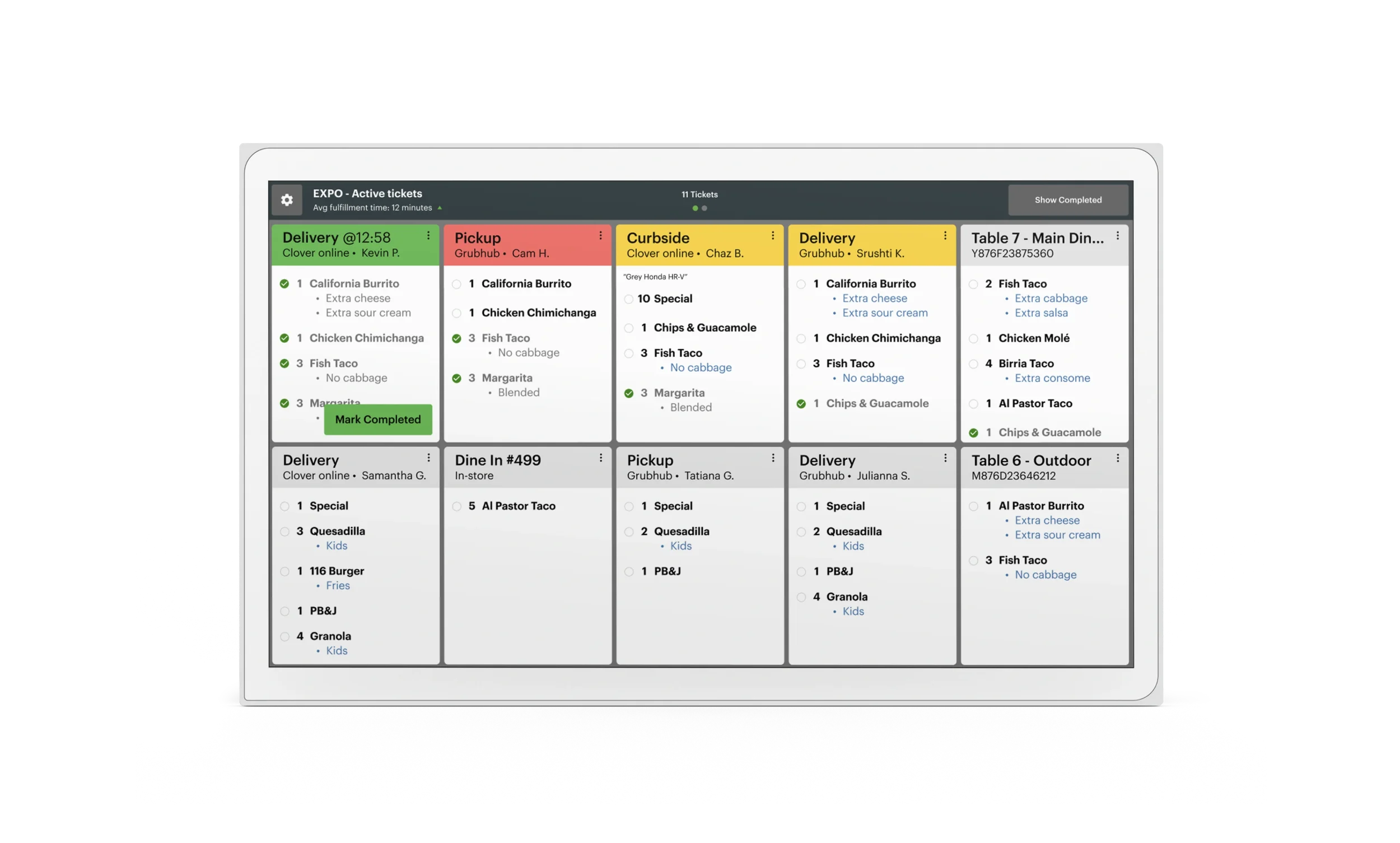
KDS 24 inch
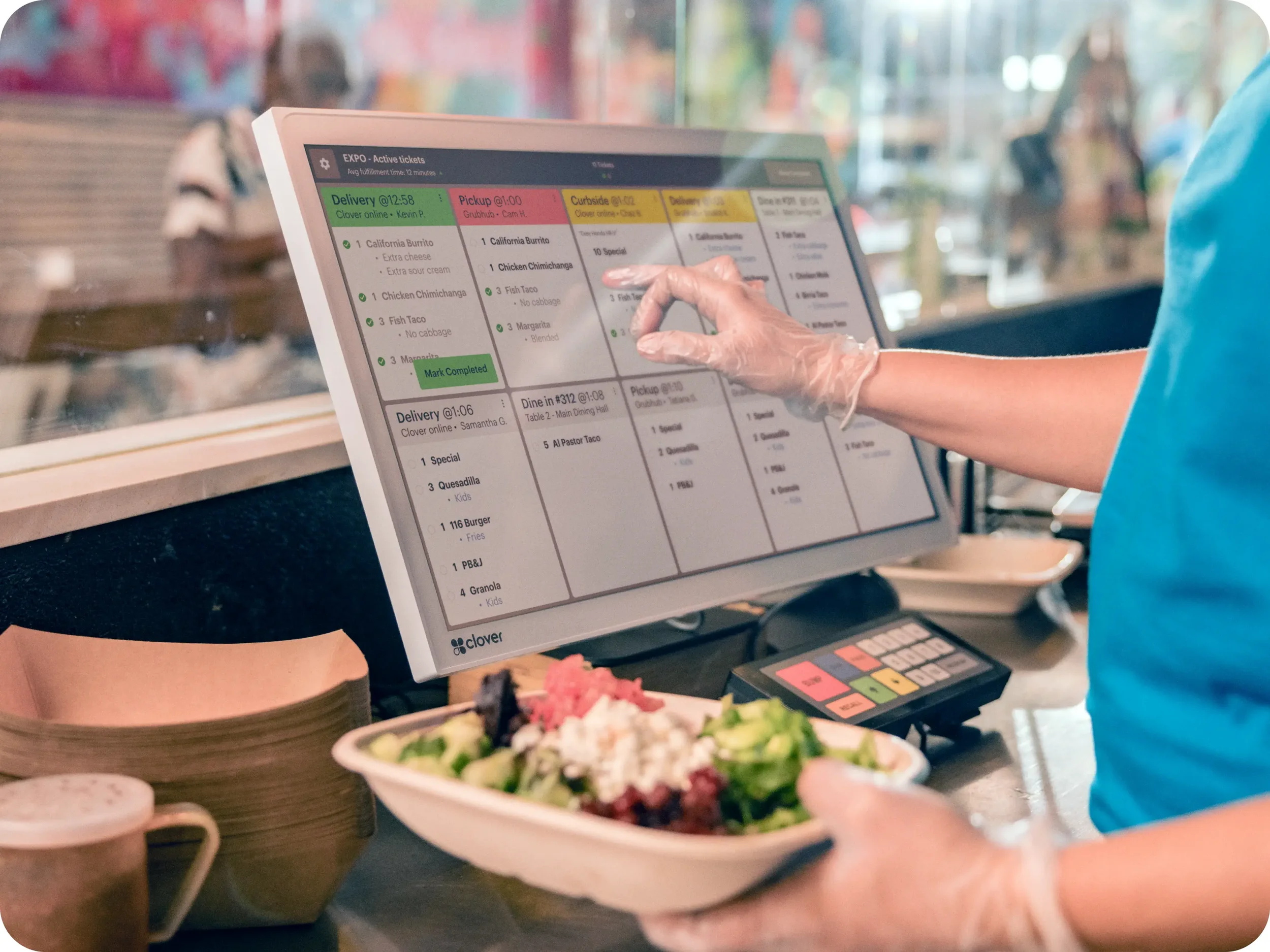
Optimal for overhead installation and use with an optional bump bar, the large 24" screen helps keep busy kitchens organized and on task.
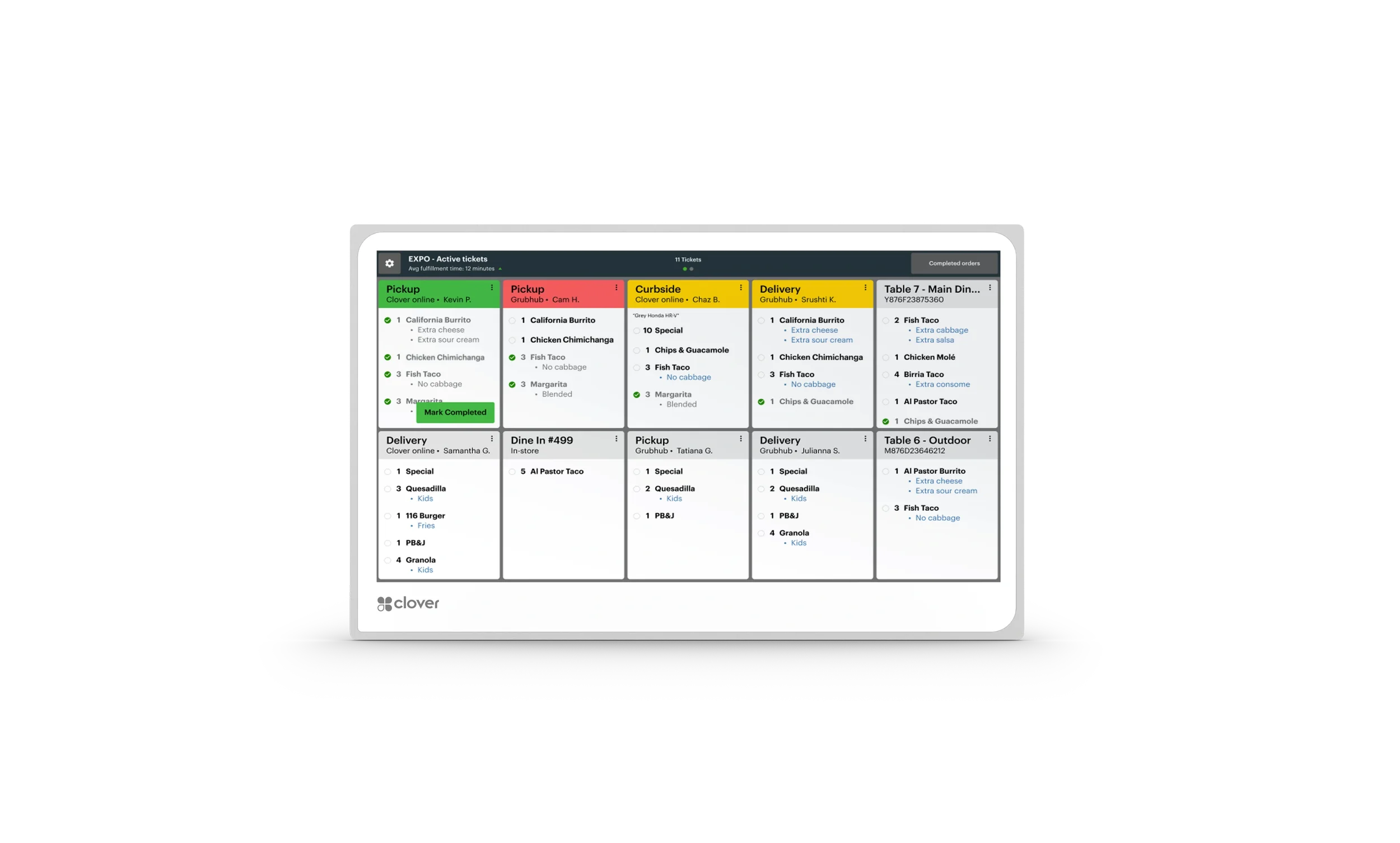
KDS 14 inch
This compact option excels when space is at a premium. Flexible enough to place on a counter top or wall mount with optional accessories. Also supports bump bar accessory.
KDS software features

Multi‑level fulfillment

Expo Mode

Item level routing

Prep time reporting

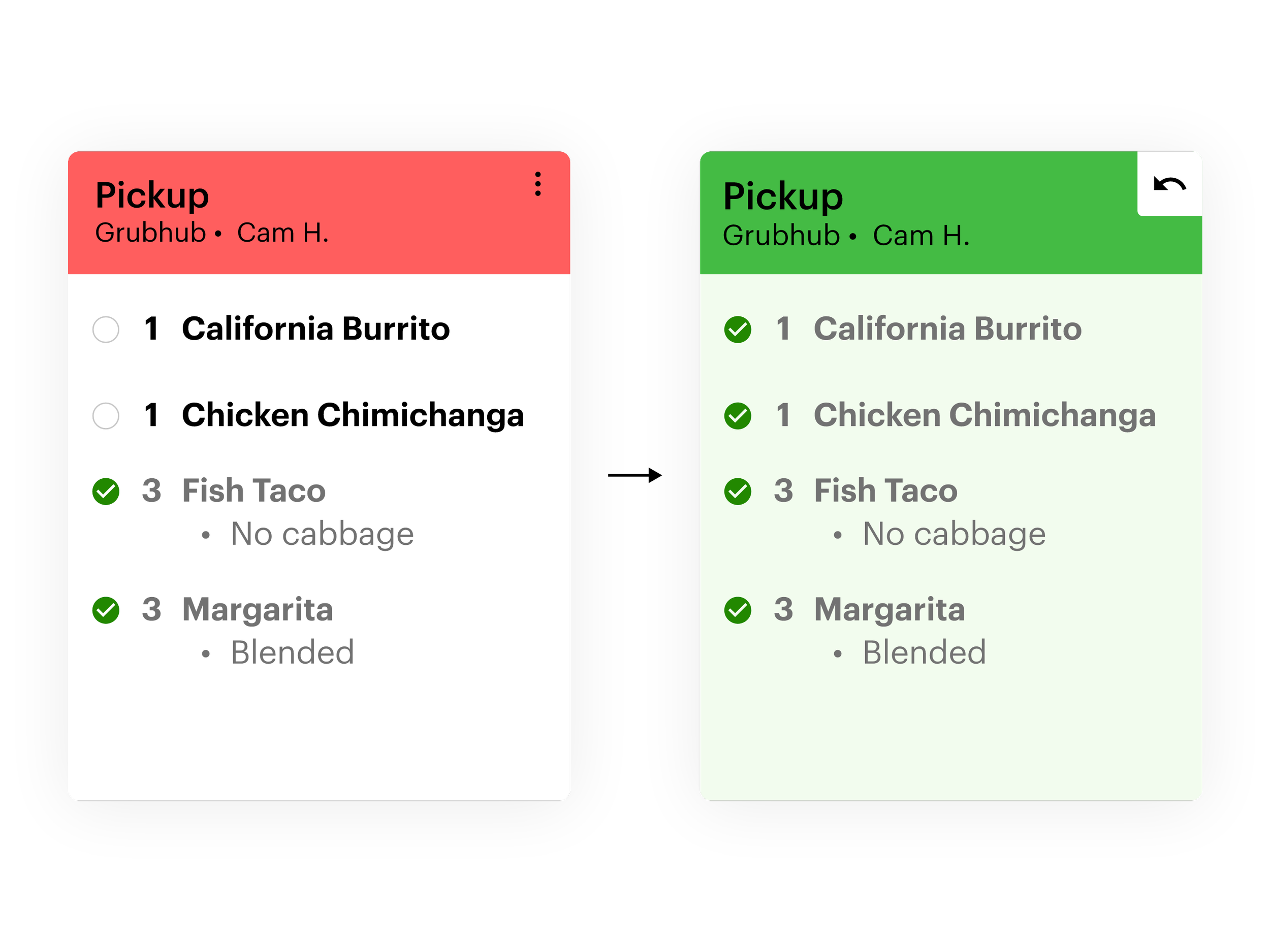
Color‑coded order status

Runner ticket printing
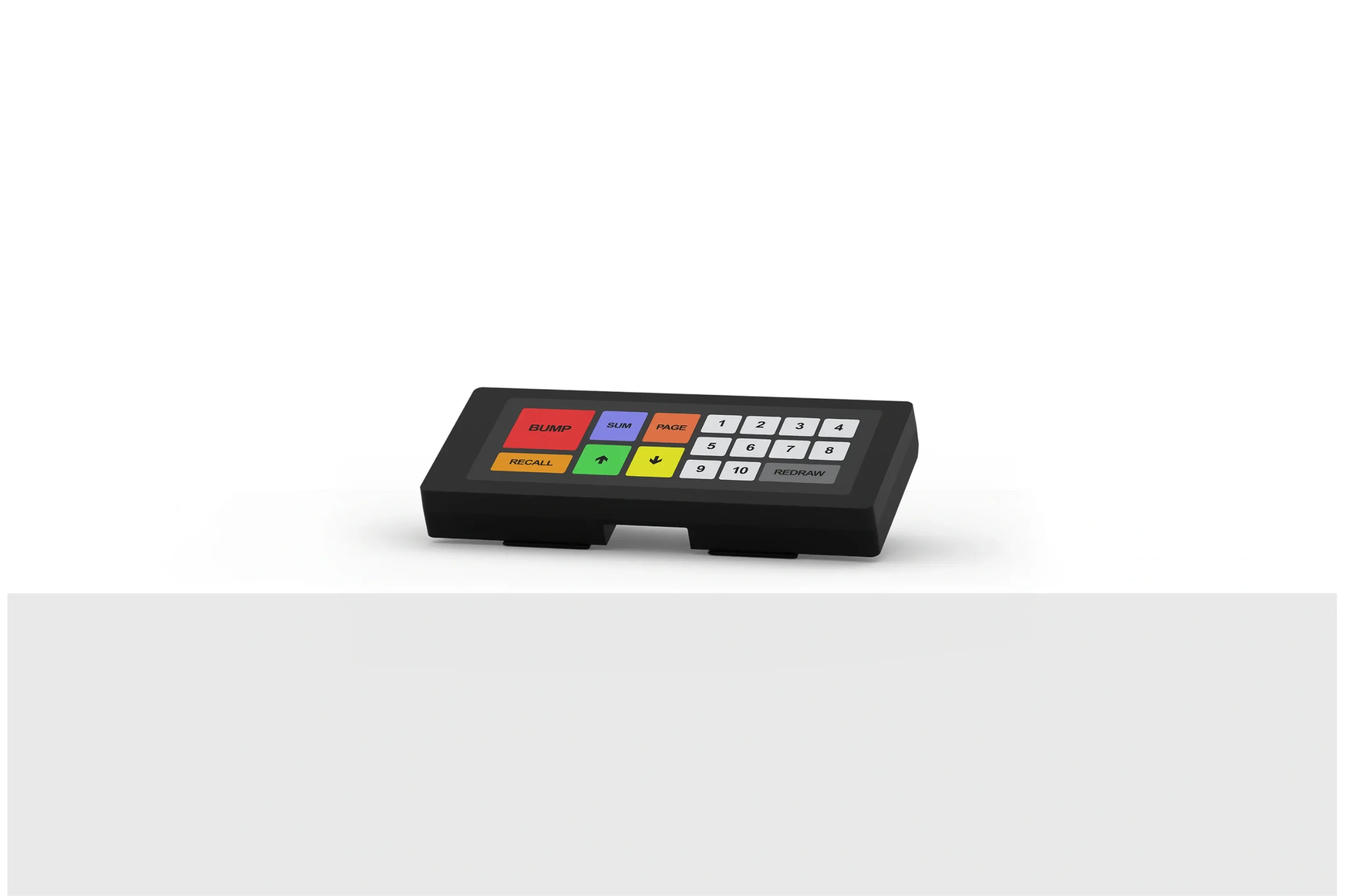
Bump bar accessory
The KB9000 is a fully programmable kitchen display bump bar with touch operations. The bump bar let’s you manage orders on a kitchen display that is mounted over head, for better viewing by your entire team, or whenever touch screen control isn’t desired.
Ready to Upgrade your POS?
Talk to a Certified Clover Specialist today.